
Description
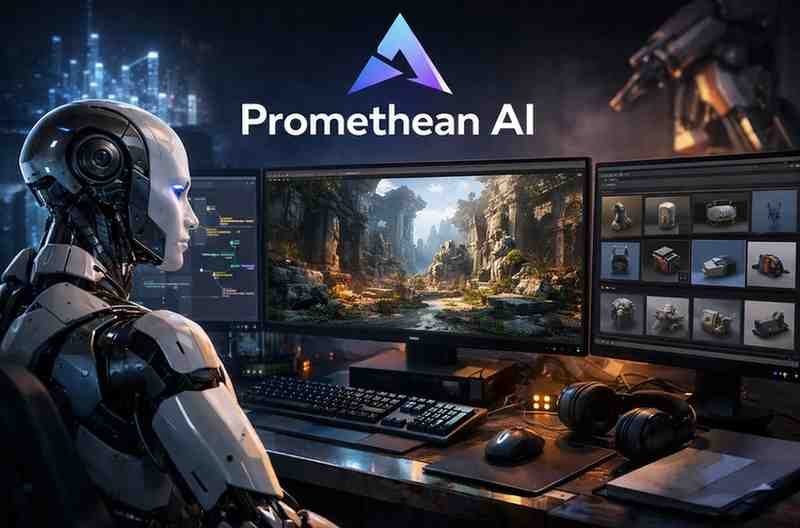
As game worlds grow larger, more immersive, and more detailed, artists and designers face increasing pressure to build environments quickly without compromising quality. Promethean AI steps in as a groundbreaking assistant—helping 3D artists generate environments, objects, layouts, and creative variations using natural language commands.
Unlike many generalized AI tools, Promethean AI is built specifically for game development and digital environments, making it a powerful companion for studios, indie creators, and concept artists.
This expert review explores Promethean AI’s features, performance, ideal use cases, and limitations.
What Is Promethean AI?
Promethean AI is an artificial intelligence tool that assists artists in creating 3D environments by:
-
Placing objects
-
Suggesting creative layouts
-
Generating variation ideas
-
Speeding up world-building
-
Automating repetitive tasks
-
Filling in environment details
It works inside major 3D pipelines such as Unreal Engine, letting artists use voice or text commands to build scenes rapidly.
Rather than replacing artists, Promethean AI acts as a co-creator, handling grunt work while humans focus on creative decisions.
Key Features of Promethean AI
1. AI-Assisted Environment Creation
The core strength of Promethean AI is the ability to construct environments through simple instructions like:
-
“Create a medieval bedroom.”
-
“Add a wooden table next to the wall.”
-
“Place books on the shelves.”
The tool automatically:
-
Selects appropriate assets
-
Places them intelligently
-
Maintains spatial accuracy
-
Suggests variations
This can save hours of manual scene setup.
2. Smart Asset Placement
Promethean AI understands:
-
Context
-
Interior logic
-
Object relationships
For example, if you say “Add a desk setup,” it may include:
-
Desk
-
Chair
-
Lamp
-
Notebook
This semantic understanding makes scene-building faster and more natural.
3. Idea Generation for Artists
Promethean AI also works as a creative assistant by offering:
-
Design suggestions
-
Composition ideas
-
Object placement variations
-
Lighting proposals
-
Environmental tweaks
This helps break creative blocks and improves iteration speed.
4. Integration with Existing Pipelines
Promethean AI works smoothly with Unreal Engine and standard 3D workflows.
Artists can:
-
Use their own asset libraries
-
Customize placements
-
Edit AI-generated output manually
-
Build hybrid AI + artist workflows
This keeps full creative control in the hands of humans.
5. Voice and Text Command Support
Promethean AI can respond to:
-
Typed instructions
-
Voice commands
This hands-free workflow is especially useful when sculpting, modeling, or adjusting camera angles.
6. Organization & Productivity Tools
Promethean AI helps teams:
-
Auto-tag and organize assets
-
Search for models intelligently
-
Generate scene variants quickly
-
Manage large environment libraries
This is incredibly valuable for studios working on big worlds.
Performance Review
1. Speed
Promethean AI dramatically speeds up the environment creation process. Tasks that once took hours—like set dressing, object placement, and layout iteration—can now be done in minutes.
2. Quality of Output
The AI outputs clean, production-ready placements. It understands:
-
Realistic spacing
-
Interior rules
-
Object roles
-
Aesthetic balance
This results in environments that look natural and polished.
3. Accuracy
Promethean AI follows instructions very precisely, making it reliable for both rapid prototypes and full production scenes.
Pricing
Promethean AI follows a licensing model suitable for:
-
Individual artists
-
Small studios
-
Large game companies
Exact pricing varies by usage level and tooling needs, but the value proposition is strong when compared to the hours saved on environment creation.
Pros and Cons
Pros
-
Excellent for speeding up environment creation
-
Great semantic understanding of scenes
-
Integrates with Unreal Engine
-
Reduces repetitive and boring tasks
-
Encourages faster iteration and experimentation
-
Perfect companion for 3D artists and game studios
Cons
-
Requires an existing asset library for best results
-
Not a full 3D modeling tool (can’t create detailed new meshes from scratch)
-
Learning curve for teams new to AI workflows
-
Primarily optimized for environment creation, not characters or animations
Who Should Use Promethean AI?
Promethean AI is ideal for:
-
Environment artists
-
Level designers
-
Game studios
-
Architectural visualizers
-
3D world-builders
-
Indie developers needing faster production
-
Creators working in Unreal Engine
Anyone who builds large, detailed scenes will benefit immensely.
Summary
Promethean AI is one of the most advanced and practical AI assistants in the 3D creation industry. It doesn’t try to replace human artists—instead, it amplifies their creativity, eliminates tedious tasks, and speeds up environment production by an order of magnitude.
For game studios and creators who want faster workflows, cleaner scene setups, and richer creative exploration, Promethean AI is absolutely worth using.









Reviews
There are no reviews yet.